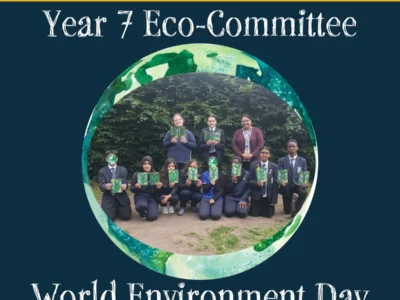
World Environment Day, 5th June 2026, and Year 7 Eco-Committee
08 Jun 2026
Friday 5th June was World Environment Day, an annual day to turn focus to the world and environment around us.#WorldEnvironmentDay 2026 focuses on climate change—on the urgent signals the Earth is sending and the signals we choose to send back. UNEP’s global campaign calls on all of us to step in #NowForClimate, and steer a world already in motion. For decades, the world has heard the climate story—warnings, targets, distant deadlines. Too often, the response has been clouded by noise: delay, distraction, denial. But listen closer now. Beneath the noise, another signal is rising. Solar panels stretch across rooftops. Wind
Read More...